Before an international trip with EF, every student has to hand in a set of documents: a passport copy, a signed liability waiver, a confirmation email, transfer details and more. My EF is the portal students already use for courses, trips and account settings.
Each student has a different list, each document has its own due date, and some get rejected and need a second attempt. Many students are on their phones rather than at a desk, and a missed document can hold up a trip.
What would let a student see at a glance what is still due, upload it from whatever device is at hand, and know straight away whether it was accepted?
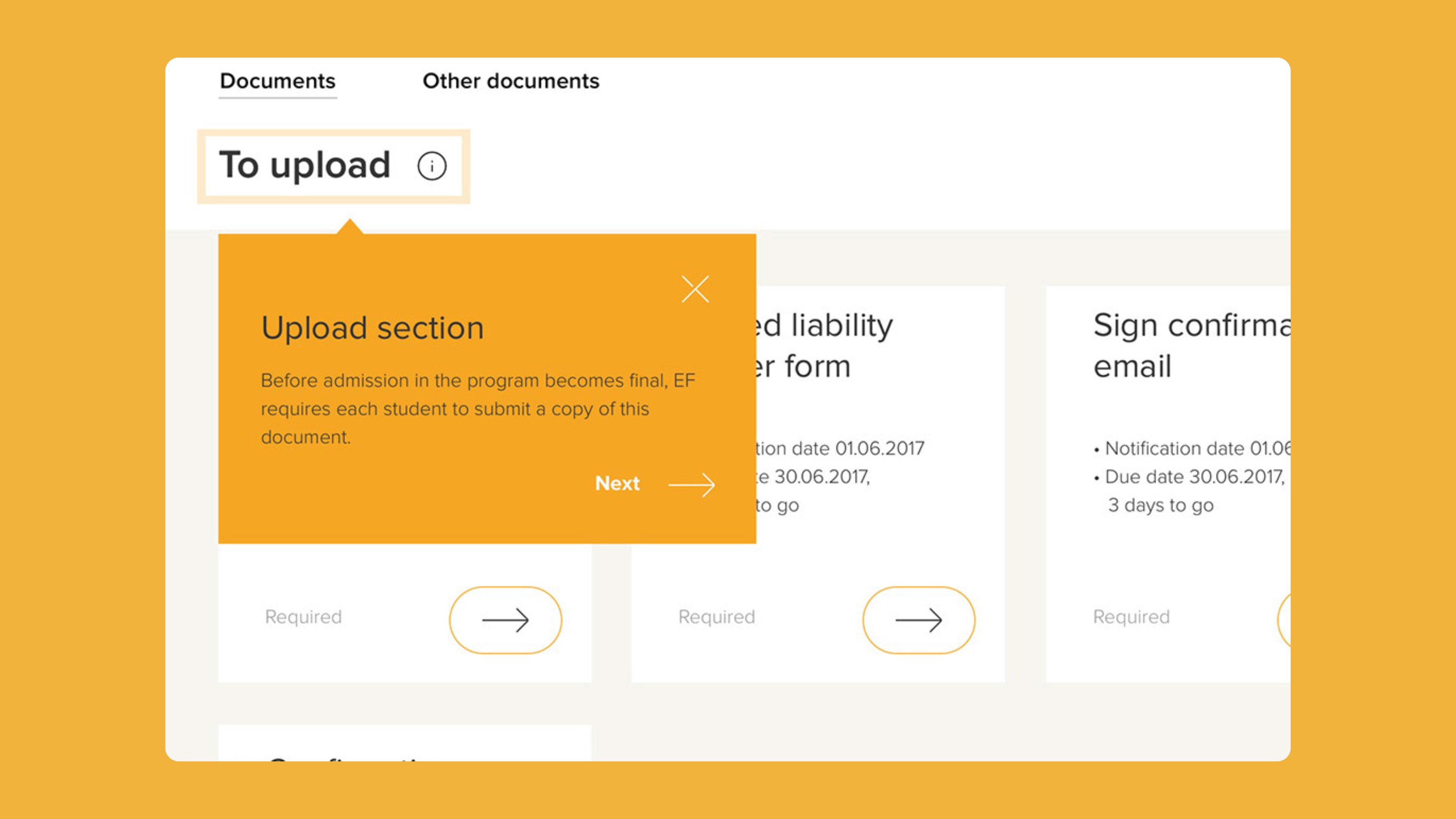
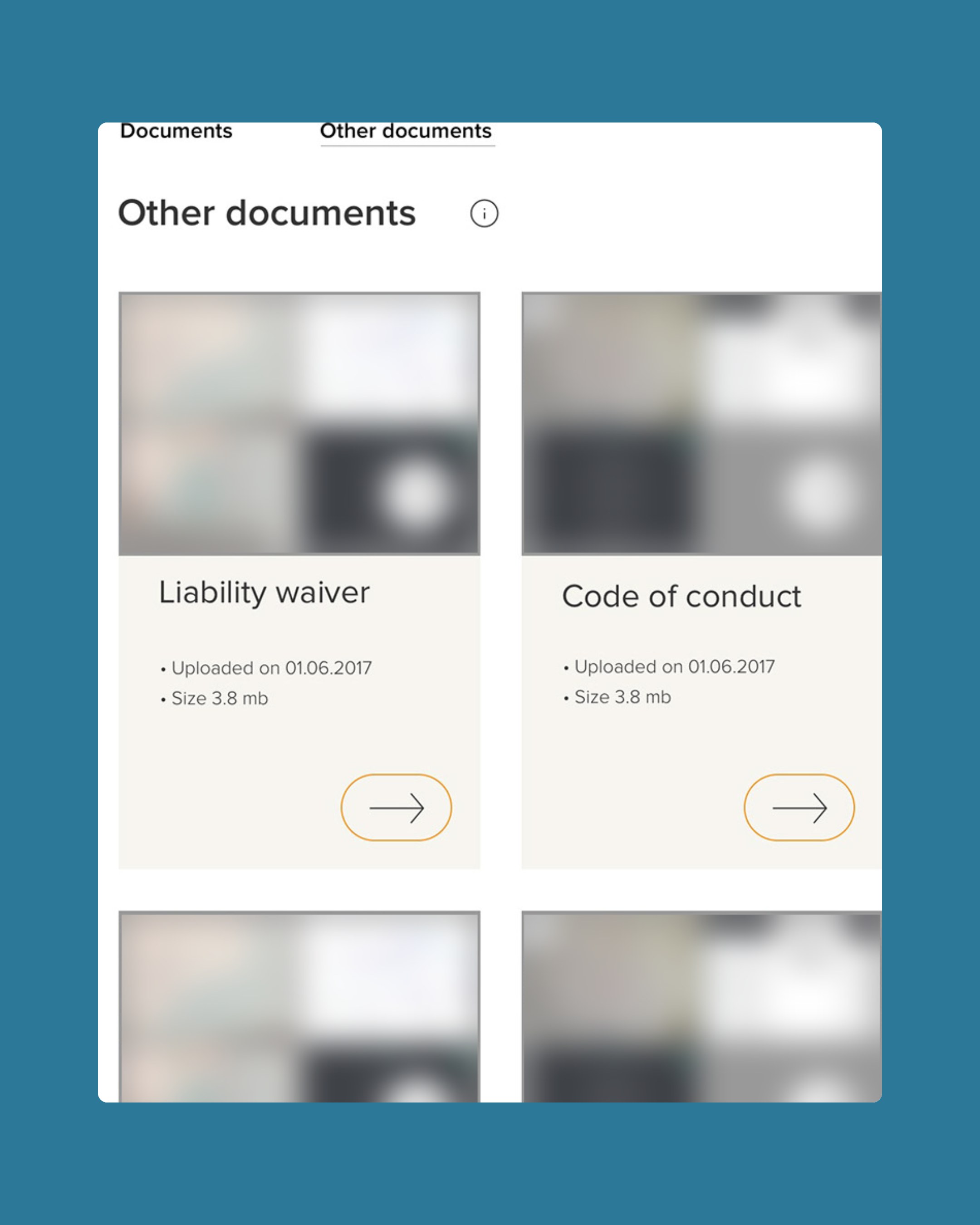
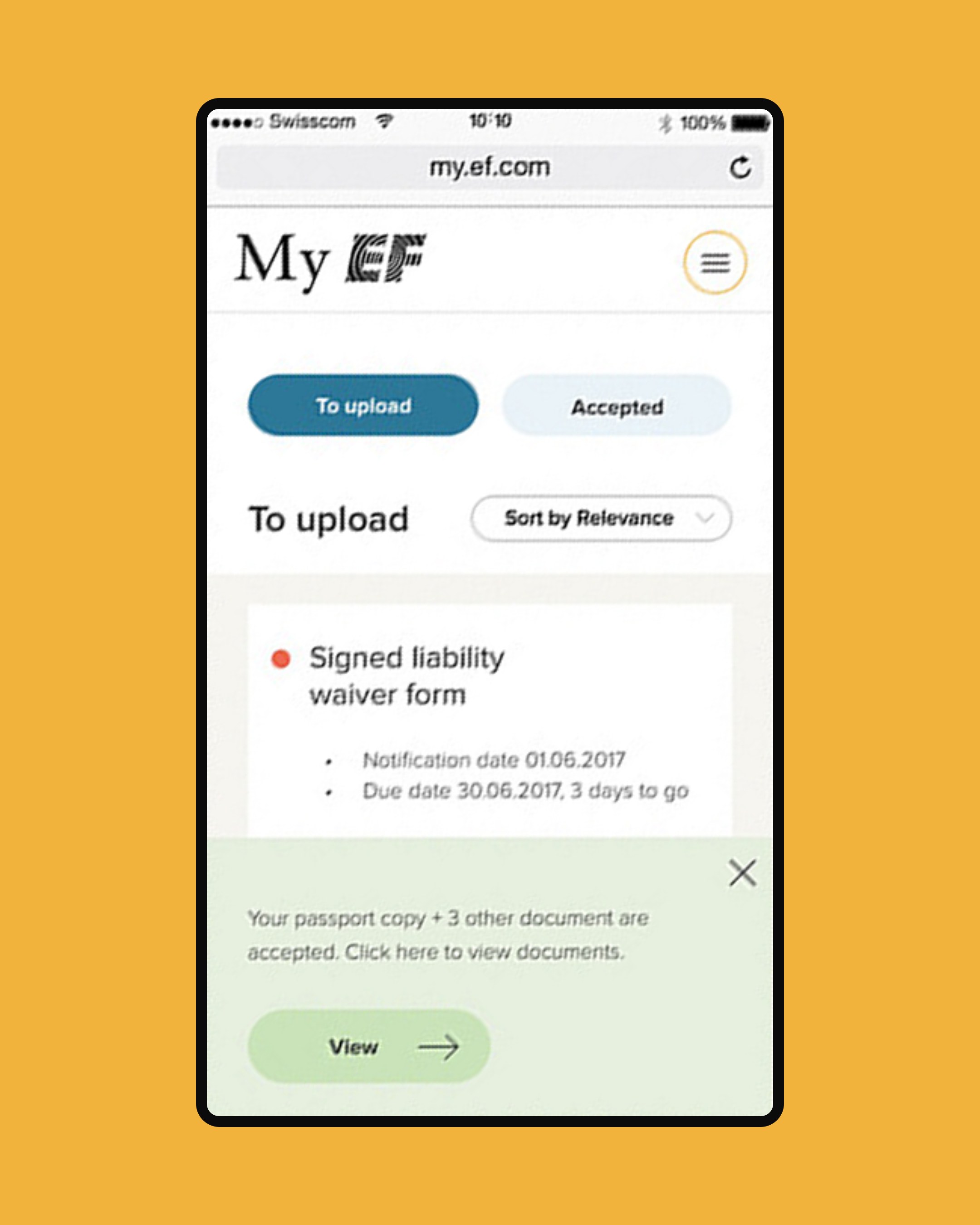
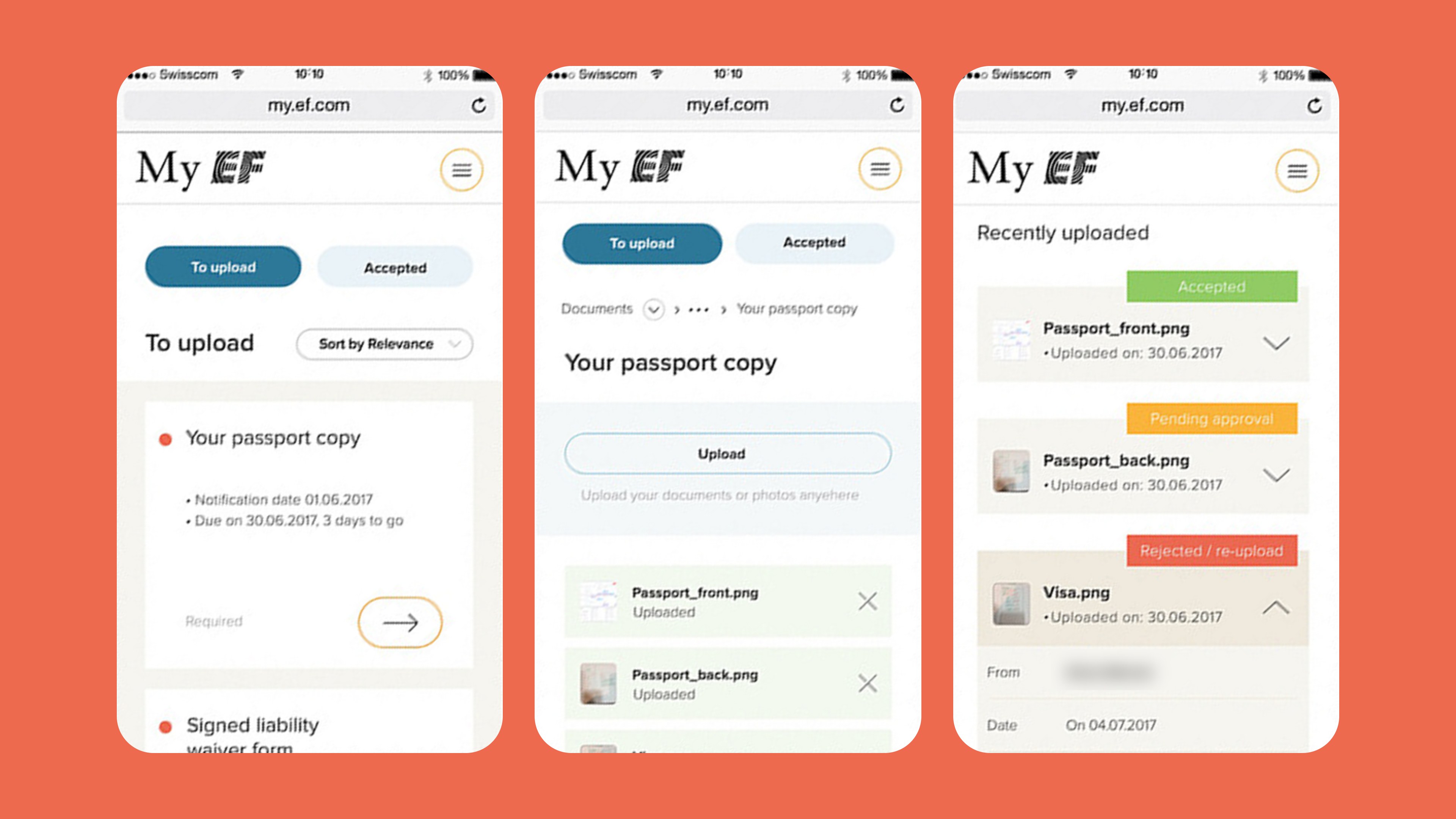
I put everything on one page. Cards under To upload show each required document with its notification date, due date and a countdown. Rejected items turn coral and say when they were rejected. Accepted documents move to their own section, and a banner confirms the change. The detail view takes a drag-and-drop or phone upload, with recent uploads, reviewer comments and a short how-to video. A separate library holds documents students only need to download.
Product designer. Designed the My Documents feature on the My EF brand framework: onboarding, the to-upload and accepted views, the upload detail page and the downloadable documents library, across desktop and mobile.